

Ask Your Library Anything
Find proven tracks and build playlists in seconds

Hi there 3/4 Low Cut Echo Evangelists (ok, I’m running out),
Every DJ has questions their library can’t answer.
What am I overplaying?
Am I adding the wrong kind of tracks?
How do I create better playlists?
Are rewinds actually a good thing or not?
But rekordbox, or any DJ software for that matter, doesn’t make it easy. They are built to organise, not to diagnose or help.
Today I’m excited to give you a sneak peek at something I’ve been working on that changes that. A way to ask your library anything and actually get answers.
Let’s dive in.
The Friction Nobody Talks About
Your DJ software is where you live before a set. Adding tags, filtering, creating playlists.
But if you need inspiration, guidance on where your best music is hiding or just want to quickly grab a few tracks to test out then you’re left relying on painful filter menus, flakey memory or blind luck.
So..what if you could just ask your library instead?
I’ve been building the foundations for this for the last year and testing it across hundreds of libraries and thousands of tracks. It’s called..
🤖 Library Sensei
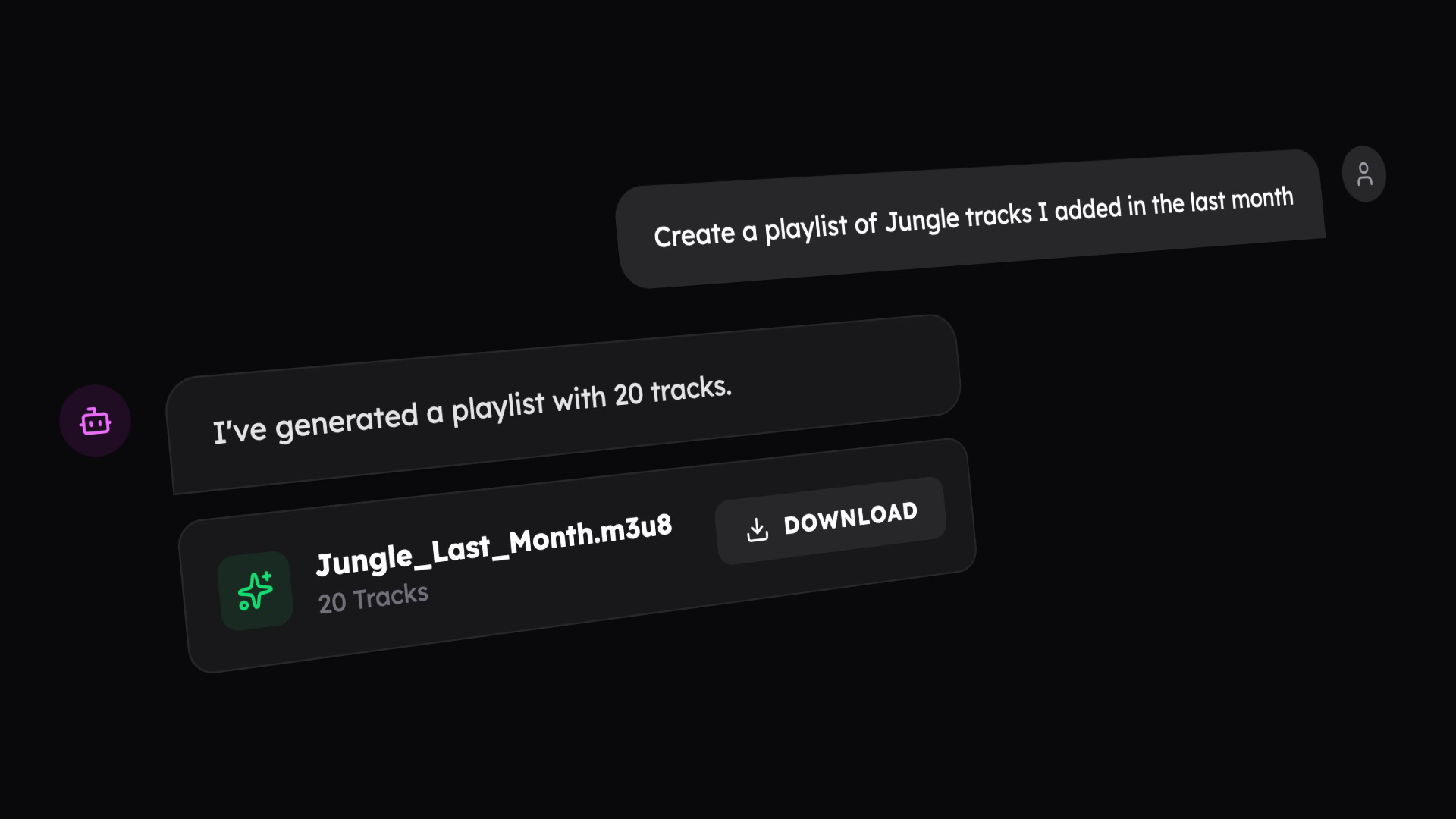
Sensei is your new on-demand DJ assistant.
It connects directly to your library data to answer questions in seconds and help you surface the right tracks for your sets, based on what you already own and how you actually use it.
Think about it like intelligent playlists on crack. But a special kind of crack that helps your library speak your language.
Here are just a few ideas on what it can help with:
1️⃣ Sketch playlist ideas in 30 seconds
You’ve got a warmup slot tomorrow. Normally you’d spend an hour scrolling, filtering, checking BPMs and making sure you’ve got some reliable tracks in your set.
Ask: “Create me a playlist of House tracks 120-126 BPM, that I’ve played at least twice.”

You get an instant pool of reliable tracks to review that you can pull right into rekordbox for refining.
2️⃣ Your key playlists are full of bloat
Your Peak Time playlist has 180 tracks but you only play 53. The others are just adding friction and hesitation every time you need a banger.
Ask: “Show me tracks in my ‘Peak Time’ playlist with 0 plays that I added over 180 days ago”

You can now trim or review those old tracks that haven’t earned their place to help keep your decisions faster on the decks.
3️⃣ Your sets feel stale
You added 47 tracks last month but you’re still playing the same 20 from two years ago. It could be because you’re digging the wrong music. But you aren’t sure where the problem is.
First you want to find out what you’re adding and actually playing.
Ask: “What’s the most common tag i’ve added in the last 60 days in tracks with a playcount greater than 0”

You discover it’s ‘Minimal’.
and then..
Ask: “What’s the most common tag i’ve added in the last 60 days in tracks with 0 plays”

You discover you’re adding loads of Tech House but never playing it. I’m proud of you. But now you know to stop adding this bloat to your library.
The caveats and important stuff
🧪 Beta limitations
It can only answer queries about a limited set of metadata for now
There may still be a few gremlins that need ironing out. If something is broken let please me know about with the ‘Report issue’ link in the footer or by replying to this email
It has the personality of a brick
💡 Prompting tips
If Sensei is unsure what you meant it will usually ask you. But there are a few tips you can use to make your chats as smooth as possible.
Be explicit with filters
Use clear constraints like BPM ranges, play counts, dates, or genres.
Example: “House tracks 120–126 BPM I’ve played at least twice”
Quote playlist names
Put playlist names in quotes to reduce ambiguity.
Example: “Tracks in my ‘Peak Time’ playlist”
Say what you want back
Use phrases like “how many” or “create a playlist” to guide the result.
Example:
“How many tracks I added in the last 60 days have I played more than once?”
“Create a playlist of tracks over 174bpm”Use simple, single-step questions
One request at a time works best for now. Follow up queries will come later.
Avoid ambiguous terms
Sensei will clarify most things but if a word could mean a genre, tag, or playlist, add a little context to get there faster.
Example: “Find me tracks in my Rollers playlist” or “find me tracks tagged rollers”
🔐 Privacy
Everything runs on your own computer. Your library or information is not used to train any LLM models.
Try it now
🚀 Library Sensei is now in beta for all librarydojo users
Don’t have librarydojo yet? You can try out Sensei with a free trial.
The more people that use it and give feedback the better it’ll get. So give it a go and let me know what you think.
And by the way this is just one part of a MASSIVE recent v3 update to librarydojo. Check out what’s new.
If you could ask your library one question, what would it be?
See ya next time